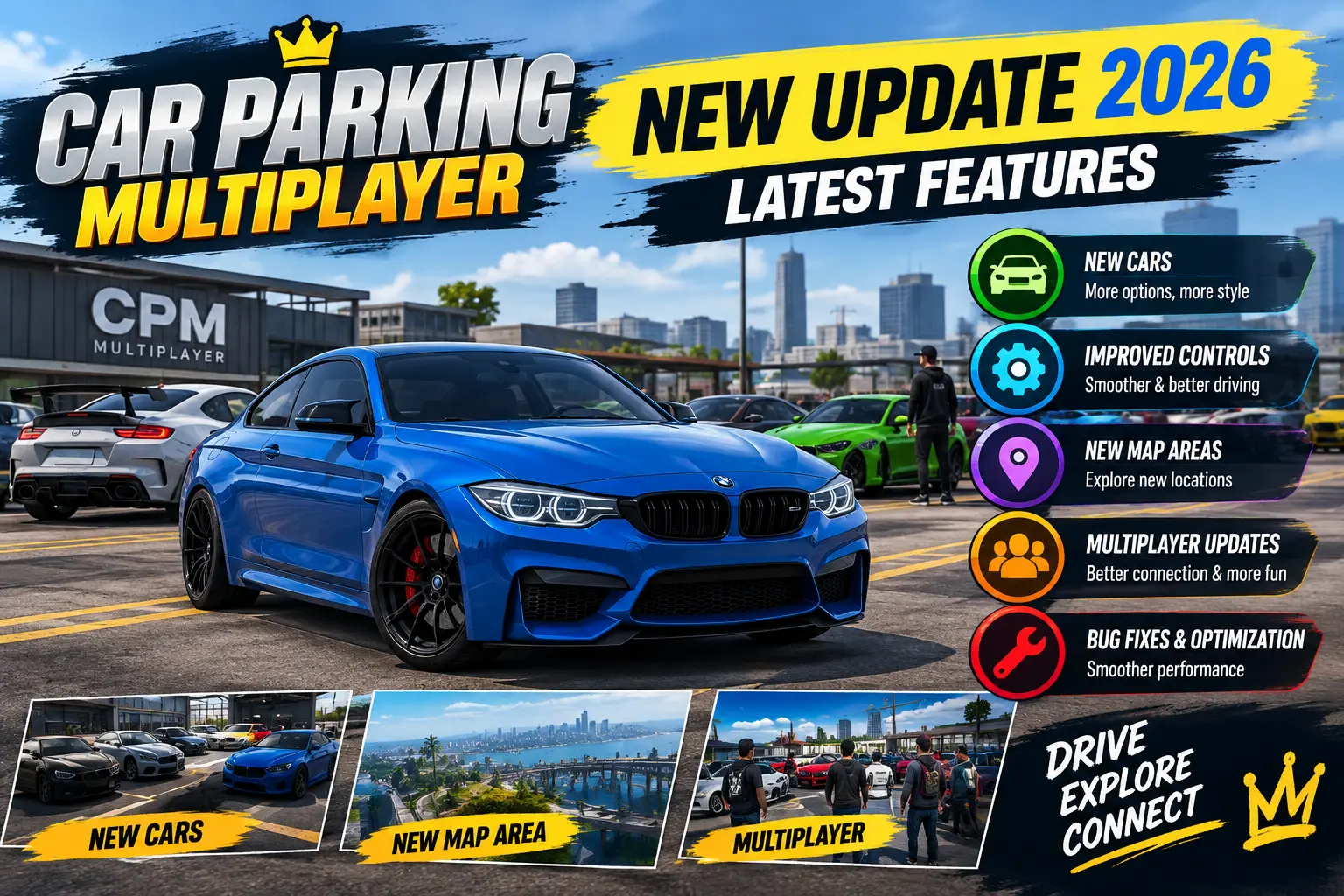
Car Parking Multiplayer New Update 2026: Latest Features
The latest Car Parking Multiplayer update brings new activities, vehicle changes, customization options, and improvements for players to explore. Whether you enjoy driving trucks, completing challenges, modifying cars, or creating custom maps, knowing what has changed can help you get more out of the game.
In this guide, you will find the latest reported features, instructions for updating the game on Android and iOS, and solutions to common update problems.
Car Parking Multiplayer Latest Update Details
Car Parking Multiplayer receives updates that may introduce new content, improve existing features, and fix bugs. However, version numbers and release timing can differ between Android and iOS.
| Detail | Information |
|---|---|
| Game | Car Parking Multiplayer |
| Developer | Olzhass |
| Genre | Driving and parking simulation |
| Platforms | Android and iOS |
| Update content | Events, vehicle changes, customization, and improvements |
| Android version | Check Google Play for the version available to your device |
| iOS version | Check the App Store for the version available to your device |
For the latest version offered to you, check the official store listing rather than relying on an unverified version number.
🚗 Latest Car Parking Multiplayer Update Features
The following features are reported in the update information. Availability may vary by game version and platform, so check the game itself if a specific change does not appear.
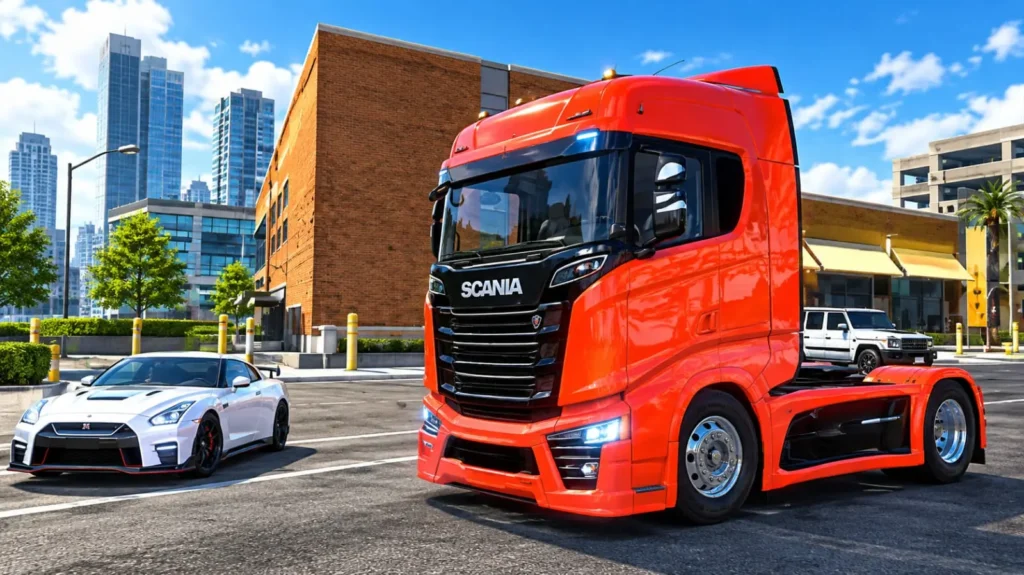
1. Scania Truck Rework
The Scania truck has reportedly received additional hood customization options. These may include a chrome finish, a color that matches the truck’s body, or the option to remove the hood.
These choices give truck enthusiasts more control over their vehicle’s appearance and help them create a personalized design.
2. Alfa Romeo Stelvio Color Change
The factory color of the Alfa Romeo Stelvio has reportedly changed from yellow to blue.
This is a visual change rather than a new gameplay mode. If the factory color looks different in your game, check whether your installed version includes this change.
3. Construction Vehicles and Missions
The Construction event reportedly adds work vehicles, including a loader and an asphalt roller, for construction-related missions.
These vehicles offer a different experience from regular car driving. Players can take part in road-building activities and explore gameplay that focuses on construction equipment rather than ordinary parking or racing.
4. Creator’s Map Rating System
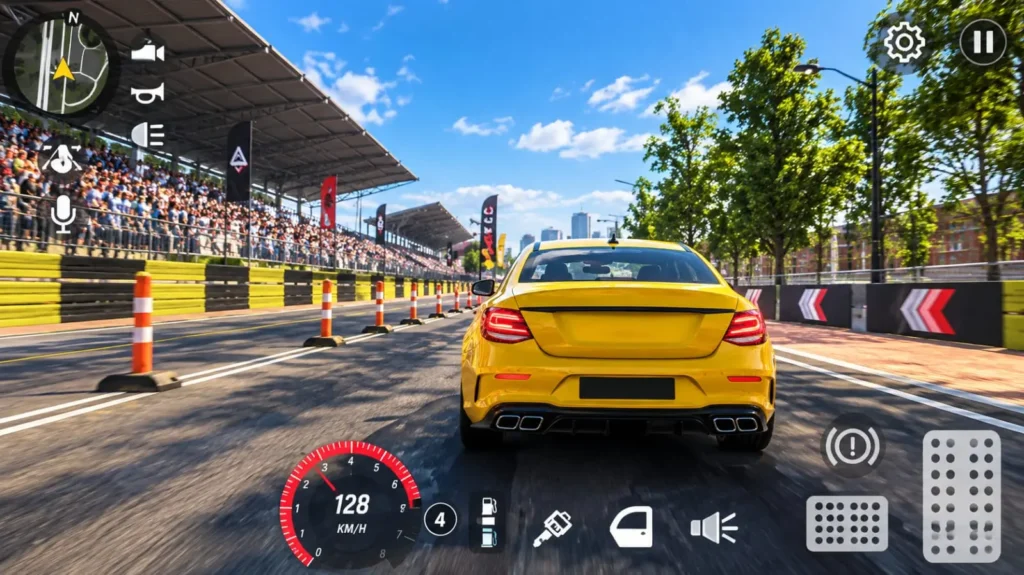
The Creator’s Map feature includes a rating system for maps created by players. Popular maps can gain more visibility based on their ratings.
This can help players discover community-created content more easily and encourage creators to build engaging maps. The available maps and their rankings may change over time.
5. Email Management Option
The update information reports an option for changing the registered email address inside the game.
If this option is available in your version, follow the in-game instructions carefully. Make sure you can access the relevant account details before changing them, and never share your password or verification codes with other players.
6. New Editor Mode Props
Additional clothed character models are reportedly available as props in Editor Mode.
These models can give map creators more choices when arranging scenes and designing custom environments. They may also help make user-created maps look more detailed and varied.
7. Audio Improvements
The update information also reports a refresh to an existing game sound effect.
Audio changes can make gameplay feel different, although the improvement may be subtle. The exact sound change should be checked in the updated game or confirmed through reliable release notes.
8. Time-Attack Event
The Time-Attack event is another reported addition. It gives players a time-based challenge, offering an alternative to regular driving, parking, and free-roam activities.
Check the events available in your installed version to see whether the mode is currently accessible.
9. New Cars, Skins, and Location Changes
The update information also mentions new or reworked cars, additional skins, and a new location.
These additions can provide more ways to customize vehicles and explore the game world. The exact cars, skins, and location content should be confirmed in the current game version before being described in greater detail.
10. Bug Fixes and Performance Improvements
Updates may include bug fixes and optimization changes intended to improve stability or address gameplay issues.
However, an update does not guarantee that every issue will be fixed on every device. Performance can still depend on your phone, operating system, available storage, and graphics settings.
Feature verification note: Some specific vehicle, color, Editor Mode, and audio changes may not be described in every official store listing. Confirm these details in the game or reliable release notes before treating them as available to all players.
📲 How to Update Car Parking Multiplayer on Android
Follow these steps to check for the latest available Android update:
- Open the Google Play Store.
- Search for Car Parking Multiplayer.
- Open the official game listing.
- Tap Update if the button is available.
- Wait for installation to finish, then open the game.
If the listing shows Play or Open instead, an update may not be available to your device yet.
Official download: Car Parking Multiplayer on Google Play
📲 How to Update Car Parking Multiplayer on iPhone or iPad
To check for an iOS update:
- Open the Apple App Store.
- Search for Car Parking Multiplayer.
- Open the official game listing.
- Tap Update if available.
- Once installation finishes, launch the game and check the available features.
If the update does not appear, it may not have reached your device or region yet.
Official listing: Car Parking Multiplayer on the App Store
🛠️ Why Is the Car Parking Multiplayer Update Not Showing?
If you cannot see the latest update, try these troubleshooting steps.
| Problem | What to do |
|---|---|
| Update button is missing | Reopen the official store listing later and check again. |
| Download is stuck | Check your internet connection and available storage. |
| Installation fails | Restart your device and try again. |
| Game crashes after updating | Restart the game and device, then check for another official update. |
| New features are missing | Confirm your installed version and whether the feature is available on your platform. |
| Game runs slowly | Close background apps and lower the graphics settings if available. |
Avoid installing unknown APK files or modified installers from untrusted websites. They may contain unsafe software or put your game account at risk.
Is the Latest Car Parking Multiplayer Update Worth Installing?
If an update is available through your device’s official app store, installing it is generally a good way to receive the latest supported content, changes, and fixes.
Players interested in construction missions can check the Construction event. Those who enjoy timed challenges can look for Time-Attack, while truck enthusiasts may want to explore the reported Scania customization options. Map creators can also check whether the Creator’s Map rating system is available in their version.
Before updating, ensure that your device has enough free storage and a stable internet connection. If you rely on saved progress, make sure your account is properly connected and your progress is protected.
Car Parking Multiplayer Update vs. Beta Version
The regular public update and the Beta version serve different purposes.
The regular update is distributed through the official app stores. A Beta version may provide access to test builds or features that are not yet part of the standard public release.
If you want information specifically about Beta access and testing, visit our Car Parking Multiplayer Beta Version guide.
This page focuses on the regular game’s update and features, while the Beta page covers the separate Beta-related search intent.
Frequently Asked Questions
What is new in the latest Car Parking Multiplayer update?
Reported changes include Construction and Time-Attack events, Creator’s Map ratings, email management, vehicle customization changes, additional Editor Mode props, and other improvements. Exact availability depends on the game version and platform.
How do I download the latest Car Parking Multiplayer update?
Open the official Google Play Store or Apple App Store listing. If an Update button appears, tap it and wait for the installation to finish.
Why are the new features missing from my game?
Your device may not have received the update yet, or a particular feature may not be available in your version. Check the installed version and the official store listing.
Is the Beta version the same as the regular update?
No. Beta builds are intended for testing, while the regular public release is distributed through official app stores. Their features and version numbers can differ.
Can Android and iOS receive different updates?
Yes. Release timing, version numbers, and feature availability may differ between the two platforms.
Is it safe to download the update from an unofficial website?
The safest option is to use the official app store. Unofficial downloads may be modified or unsafe, so avoid files from sources you do not trust.
Final Thoughts
The latest reported Car Parking Multiplayer update offers several things to explore, including new events, vehicle customization changes, Creator’s Map ratings, and additional editing options.
To access the features available for your device, check the official store listing and install the latest version offered to you. If a particular change is missing after updating, confirm your version and check whether that feature has been released for your platform.